
Chapter 185
Using Google Colab
Using Google Colab
We introduced how to run this book on AWS in sec_sagemaker and sec_aws. Another option is running this book on Google Colab if you have a Google account.
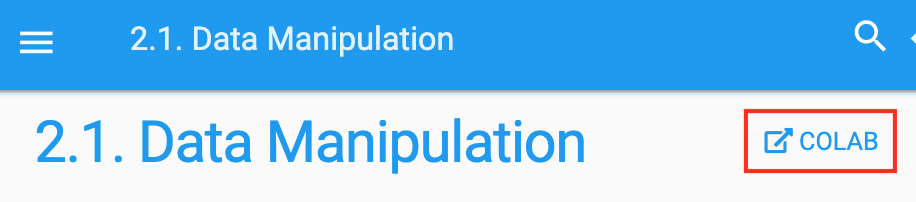
To run the code of a section on Colab, simply click the Colab button as shown in fig_colab.
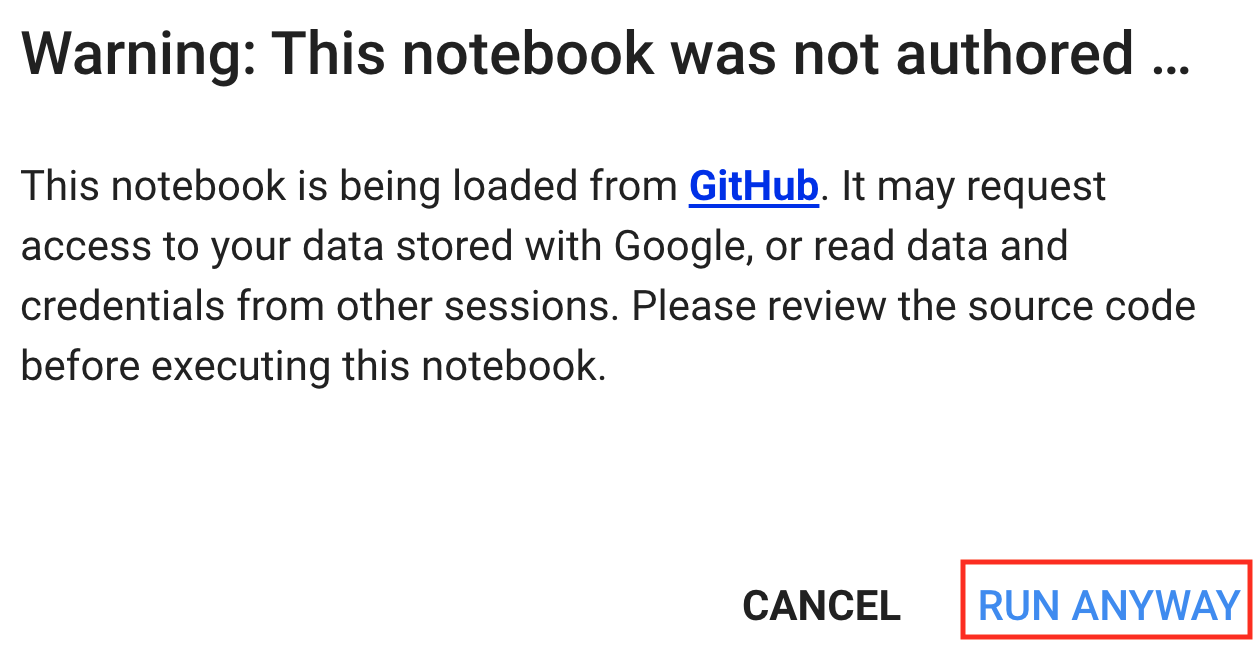
If it is your first time to run a code cell, you will receive a warning message as shown in fig_colab2. Just click "RUN ANYWAY" to ignore it.
Next, Colab will connect you to an instance to run the code of this section. Specifically, if a GPU is needed, Colab will be automatically requested for connecting to a GPU instance.
Summary
- You can use Google Colab to run each section's code in this book.
- Colab will be requested to connect to a GPU instance if a GPU is needed in any section of this book.
Exercises
- Open any section of this book using Google Colab.
- Edit and run any section that requires a GPU using Google Colab.