
Chapter 52
实验 2 - 在 AIPC 中使用 Phi-3-mini 运行 Prompt flow
实验 2 - 在 AIPC 中使用 Phi-3-mini 运行 Prompt flow
什么是 Prompt flow
Prompt flow 是一套开发工具,旨在简化基于大语言模型(LLM)的 AI 应用从构思、原型设计、测试、评估到生产部署和监控的端到端开发流程。它让提示工程变得更加简单,帮助你构建具备生产质量的 LLM 应用。
使用 prompt flow,你可以:
-
创建将 LLM、提示、Python 代码及其他工具连接在一起的可执行工作流。
-
轻松调试和迭代你的工作流,特别是与 LLM 的交互部分。
-
评估你的工作流,使用更大数据集计算质量和性能指标。
-
将测试和评估集成到你的 CI/CD 系统中,确保工作流质量。
-
将工作流部署到你选择的服务平台,或轻松集成到应用代码库中。
-
(可选但强烈推荐)通过 Azure AI 上的云端版本与团队协作。
在 Apple Silicon 上构建生成代码工作流
Note :如果你还未完成环境安装,请访问 Lab 0 -Installations
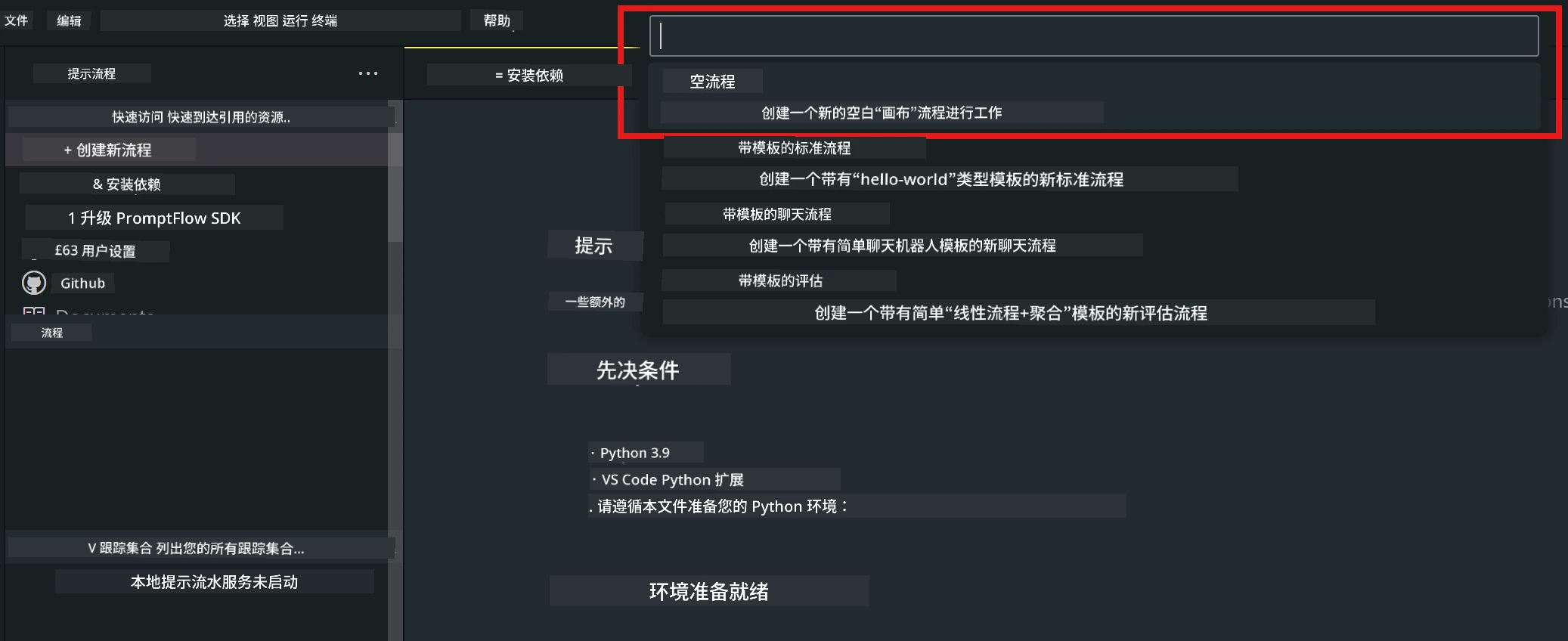
- 在 Visual Studio Code 中打开 Prompt flow 扩展,创建一个空的工作流项目
- 添加输入和输出参数,并添加 Python 代码作为新的工作流
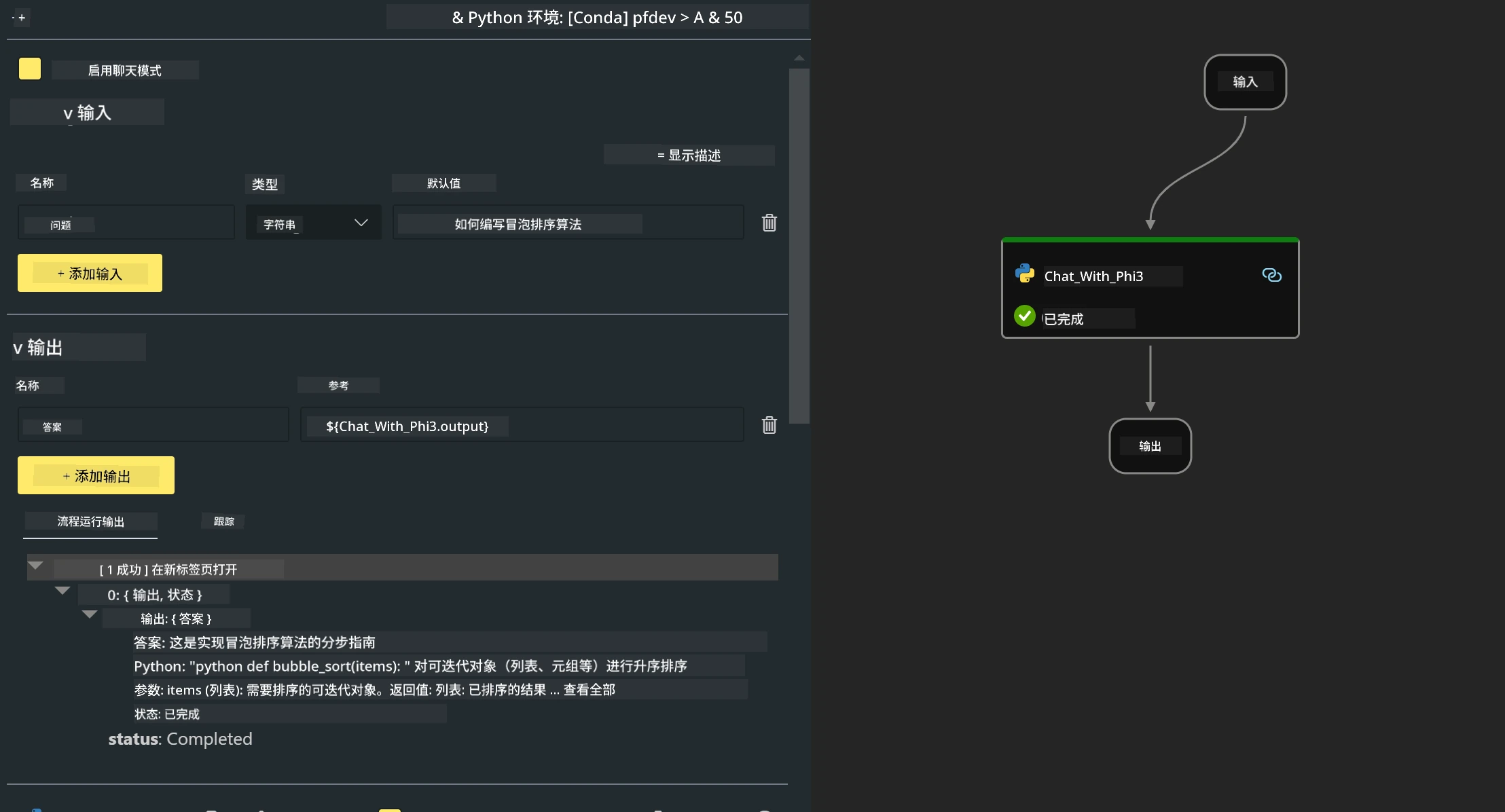
你可以参考此结构(flow.dag.yaml)来构建你的工作流
inputs:
  prompt:
    type: string
    default: Write python code for Fibonacci serie. Please use markdown as output
outputs:
  result:
    type: string
    reference: ${gen_code_by_phi3.output}
nodes:
- name: gen_code_by_phi3
  type: python
  source:
    type: code
    path: gen_code_by_phi3.py
  inputs:
prompt: ${inputs.prompt}- 对 phi-3-mini 进行量化
我们希望能更好地在本地设备上运行 SLM。通常,我们会对模型进行量化(INT4、FP16、FP32)
python -m mlx_lm.convert --hf-path microsoft/Phi-3-mini-4k-instructNote: 默认文件夹为 mlx_model
- 在 Chat_With_Phi3.py 中添加代码
from promptflow import tool

from mlx_lm import load, generate

# The inputs section will change based on the arguments of the tool function, after you save the code
# Adding type to arguments and return value will help the system show the types properly
# Please update the function name/signature per need
@tool
def my_python_tool(prompt: str) -> str:

    model_id = './mlx_model_phi3_mini'

    model, tokenizer = load(model_id)

    # <|user|>\nWrite python code for Fibonacci serie. Please use markdown as output<|end|>\n<|assistant|>

    response = generate(model, tokenizer, prompt="<|user|>\n" + prompt  + "<|end|>\n<|assistant|>", max_tokens=2048, verbose=True)

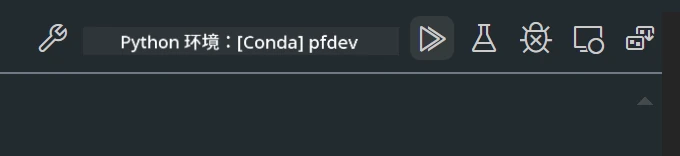
return response- 你可以通过调试或运行来测试工作流,检查生成代码是否正常
- 在终端以开发 API 方式运行工作流
pf flow serve --source ./ --port 8080 --host localhost 你可以在 Postman / Thunder Client 中进行测试
Note
-
第一次运行时间较长,建议通过 Hugging face CLI 下载 phi-3 模型。
-
考虑到 Intel NPU 计算能力有限,建议使用 Phi-3-mini-4k-instruct。
-
我们使用 Intel NPU 加速进行 INT4 量化转换,但如果重新运行服务,需要删除 cache 和 nc_workshop 文件夹。
资源
-
学习 Promptflow https://microsoft.github.io/promptflow/
-
学习 Intel NPU 加速 https://github.com/intel/intel-npu-acceleration-library
-
示例代码,下载 Local NPU Agent Sample Code
免责声明:
本文件使用 AI 翻译服务 Co-op Translator 进行翻译。虽然我们力求准确,但请注意自动翻译可能包含错误或不准确之处。原始文件的母语版本应被视为权威来源。对于重要信息,建议使用专业人工翻译。对于因使用本翻译而产生的任何误解或误释,我们概不负责。